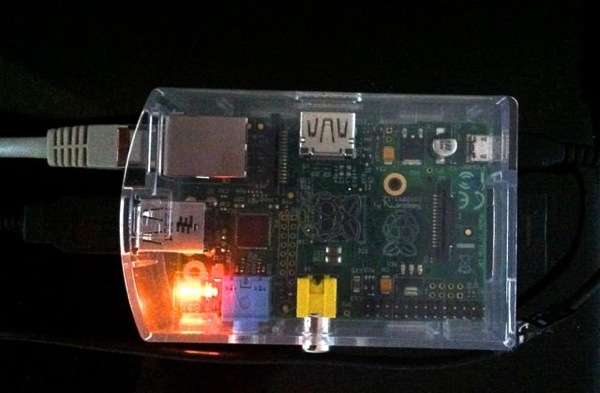
After setting up a SMB Samba share on my Raspberry Pi in Squeezeplug, the size of the mounted volume showed the size of the SD-card instead of the USB hard disk. To fix it, I had to change the setup for Samba. Here’s what I did to fix it.
pico /etc/samba/smb.conf
To get Samba to show the correct size of the volume mount, you need to change the path setting to point directly to the disk mount point. I mounted my disk to /mnt/hd1
[media_lib]
comment = Public
Folder path = /mnt
guest ok = Yes
read only = No
change the line:
path = /mnt
to
path = /mnt/hd1
Restart the Samba server with the command sudo service samba restart. Now the mounted volume should show the right size of your attached USB disk.
At last!! It had been months I was looking for a solution to this question. thanks sincerely...