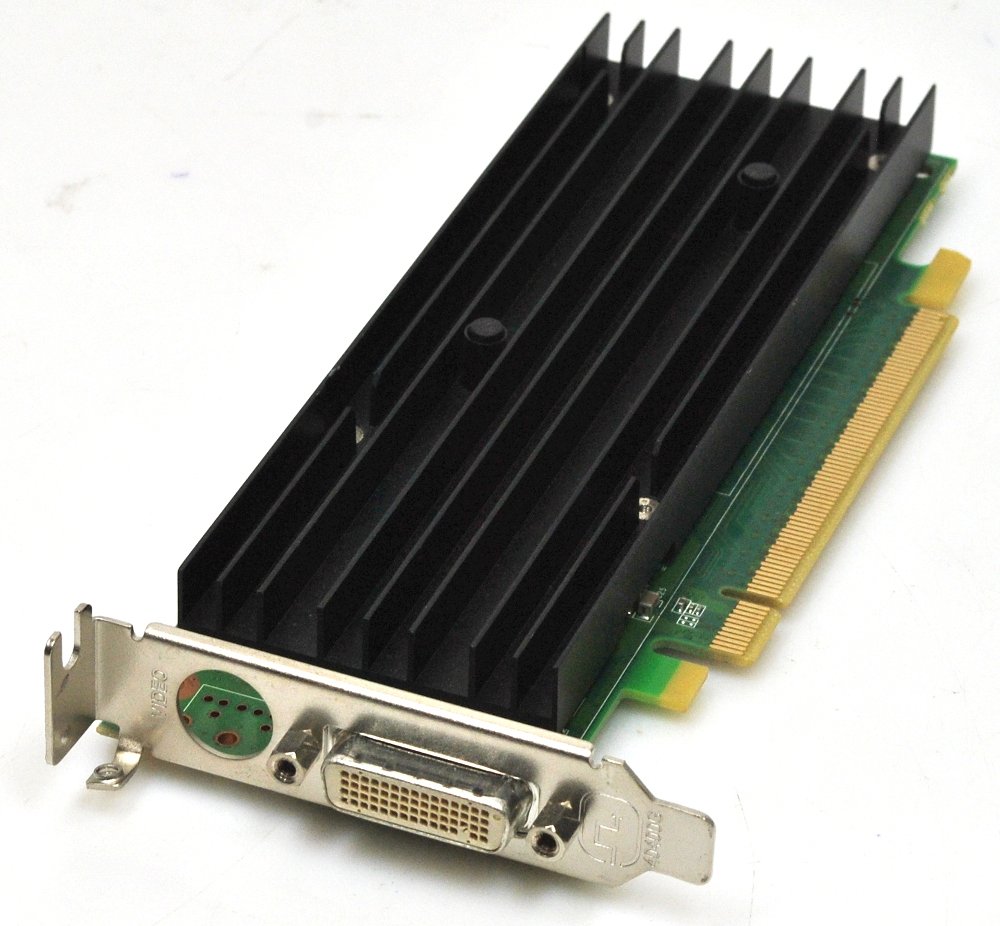
I’m running a TrueNAS Server using the Asus ROG STRIX B550-F GAMING motherboard. Because of all the peripherals like a LSI® SAS 9300-8i PCI Express card for my SAS disks, I didn’t have enough PCI lanes to run a “normal” graphics card. So I got an old Nvidia Quadro NVS 290 NVS290 PCIe x1 card that only uses one PCI lane and fits into a X1 PCI slot. But I would rather run the box without a graphics card and boot headless. But all the information on the internet told me that the Asus ROG STRIX B550-F GAMING Motherboard could not run headless. After several tries, nothing worked. But I finally found a solution
BIOS Settings To Get Headless Boot To work
Boot into the BIOS settings by restarting and pressing the Delete button or F2 repetedly. Go to the “Advanced” section. These are the settings needed to get it to work.
1. Boot → “Wait For ‘F1’ If Error” → Disabled. This is the main gate. With it disabled, the board logs the VGA error and continues to the boot loader anyway.
2. Boot → CSM → Disabled. In legacy/CSM mode the firmware treats missing VGA as fatal because it needs INT 10h; pure UEFI mode has no such requirement and boards that “can’t boot headless” often can once CSM is off. TrueNAS SCALE boots UEFI fine, but check your boot entry is the UEFI one before flipping this, or you’ll get a different no-boot.
3. Enable Fast Boot while you’re there – it skips some of the device re-enumeration where headless boards occasionally hang.
And that’s it. It now saves 12 Watts without the graphics card.