Geotag DSLR images using an iPhone and a Mac
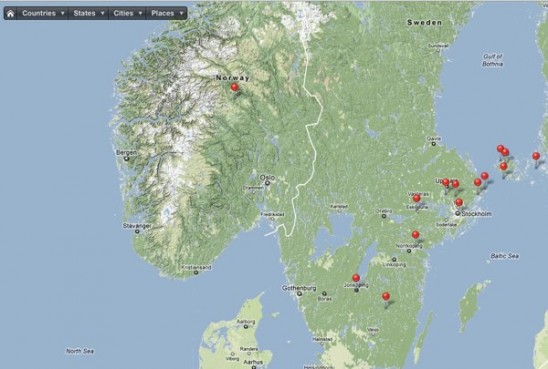
One of the nice things about modern camera phones and even some regular cameras uses GPS to tag photos and embed the coordinates in the pictures EXIF data. But wouldn’t it be great if you could do that with your fancy DSLR camera photos as well? Programs like iPhoto, Aperture and Adobe Lightroom 4 can show you your pictures on a map. Many online photo sites like Flickr also uses the GPS data in the pictures to display them on a map.
Use your iPhone to geotag pictures
There’s an easy way of adding the GPS coordinates to your RAW or jpg images using your iPhone as a GPS logger. To get it to work correctly, make sure that the clock on your digital camera is the same as your iPhone. This will help when adding the coordinates later. There are some free alternative apps for iPhone like Gps Stone GPX, but I’m using an app called GeoTagr for logging when I walk around taking pictures. All you have to do is to sync the clock in your camera with your phone. This is made easy by a reminder from GeoTagr on the first screen. Press start to start recording. Turn off the display and put it in your pocket. Just have the app running while you photograph. After you are finished, press stop and use the share function in GeoTagr to send the track data by email or to Dropbox to your Mac. Adobe Lightroom 4 now has support for directly importing .GPX-files, so if you are using that program it’s much easier. But if your image handling software doesn’t have support for tagging images you can still embed the GPS information in you images. Download your images to your computer. I usually use Image Capture, a very underrated program, and download the images to a folder on the desktop. Start up GPSPhotoLinker, a free program for Macintosh. Import your .gpx track data and photos and use the automatic batch function in the program to save the GPS data into the image. Now you are ready to import your images to your favorite image handling program like iPhoto, Aperture or other image handling software. So now when you upload pictures to Flickr, the GPS location is embedded in the image.
Jorja says
Everyone loves what you guys are usually up too. This sort
of clever work and exposure! Keep up the wonderful works guys
I’ve included you guys to our blogroll.